Thank you for 2,000 downloads!
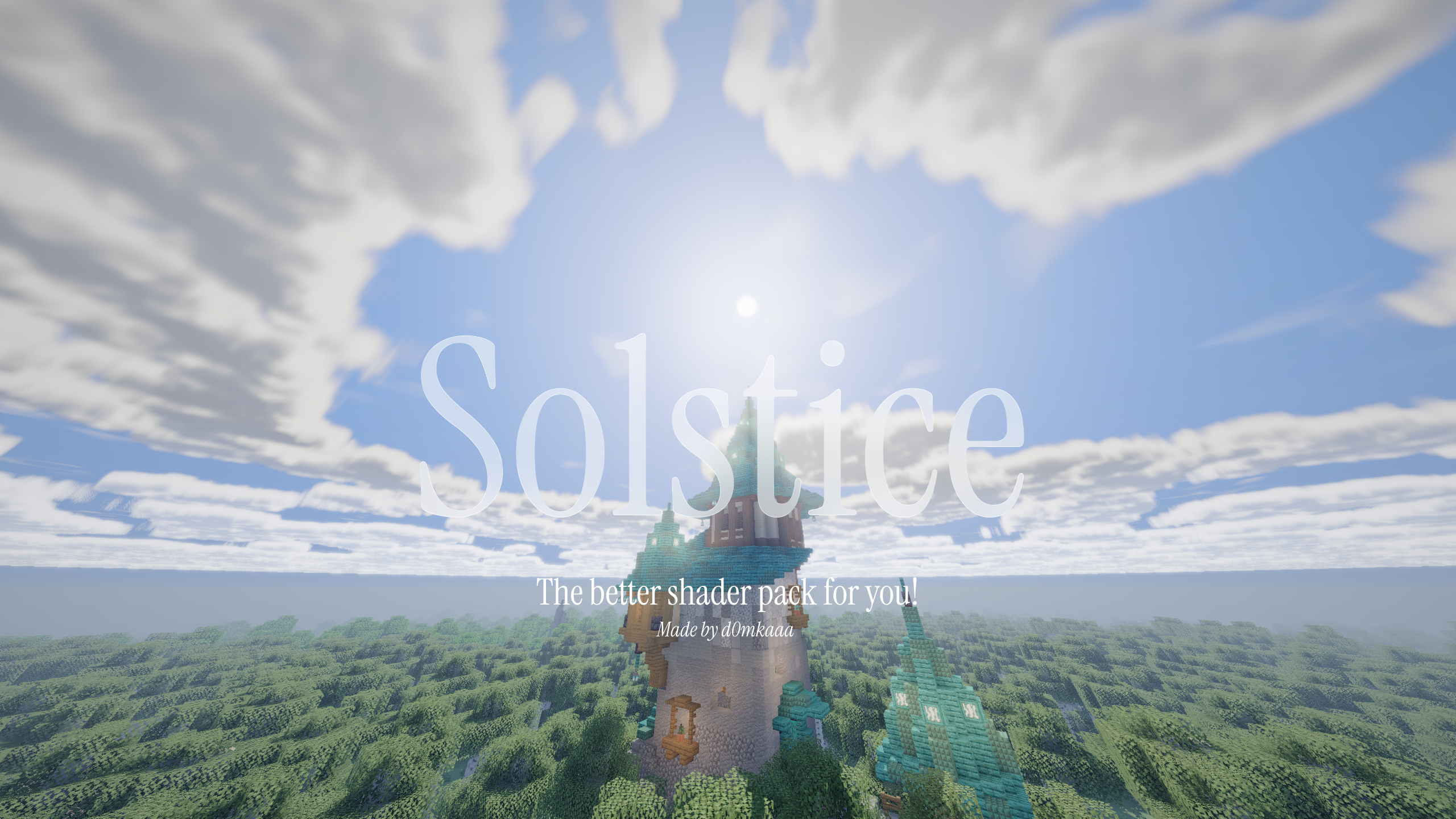
Solstice is a semi-realistic Minecraft shader with adjustable effects and four performance profiles. It is developed on an RX 6600 at 1440p.
- Soft shadows, moving foliage, coloured glass shadows, and underwater caustics.
- Blocky 3D or volumetric clouds with cloud shadows and changing weather.
- Reflective water, waves, rain ripples, underwater fog, and god rays.
- Rain puddles, glowing blocks, portal light, snow sparkle, and animated flames.
- A circular sun and moon, stars, meteors, the Milky Way, and occasional auroras.
- Built-in materials for some vanilla metals and polished blocks.
- LabPBR 1.3 normal, material, AO, and emissive map support.
- Distant Horizons terrain and water support in the Overworld, Nether, and End.
- Bloom, FXAA, colour grading, optional sharpening, and contact shadows.
- Separate Survival, Balanced, and Builder lighting styles.
- Install Iris on Fabric. Iris is already included with Fabulously Optimized.
- Put Solstice in the Minecraft
shaderpacksfolder. - Select it under Video Settings → Shader Packs.
- Start with the Medium profile.
- Low: blocky clouds, basic shadows, and most expensive effects disabled.
- Medium: the normal gameplay preset. Volumetric clouds, materials, bloom, puddles, god rays, and balanced shadows.
- High: better shadows and clouds, SSAO, and screen-space reflections.
- Ultra: maximum cloud and shadow quality. Mainly intended for screenshots or fast GPUs.
Lighting Style and colour settings are separate from the performance profile.
- Lighting Style: Survival is darkest, Balanced is the default, and Builder brightens interiors.
- Cloud Mode: choose Blocky 3D, Volumetric, or Off.
- Material Source: choose built-in materials or a LabPBR resource pack.
- Material Reflections: Off, Sky Only, or SSR.
- Fog Density: controls distance fog and can be set to zero.
- Water Murkiness: controls underwater visibility.
- Colour Grade: Natural, Vivid, or Classic.
Solstice supplies its own LOD fog and side lighting. Recommended DH settings:
- LOD Fog: Off
- LOD Side Shading: Off
- Cave Culling: On, height around
60 - Overdraw Prevention:
100% - Max Horizontal Resolution: Block
- Horizontal and Vertical Quality: High for normal play
DH shadows are disabled because Iris may render the whole LOD range into the shadow map. Normal distant terrain and water are still shaded.
Built-in materials work with vanilla textures, but the effect is subtle. For visible normal maps and authored material detail:
- Install a LabPBR 1.3 resource pack.
- Enable Materials.
- Set Material Source to LabPBR Resource Pack.
- Set Material Reflections to SSR.
Check brick, cobblestone, polished stone, quartz, iron, gold, or copper in angled sunlight. Height-map parallax is not supported yet.
If the shader is too slow, lower these settings in order:
- Shadow Resolution
- Shadow Distance
- Shadow Filter Quality
- Cloud Quality
- SSR Quality, SSAO, or material reflections
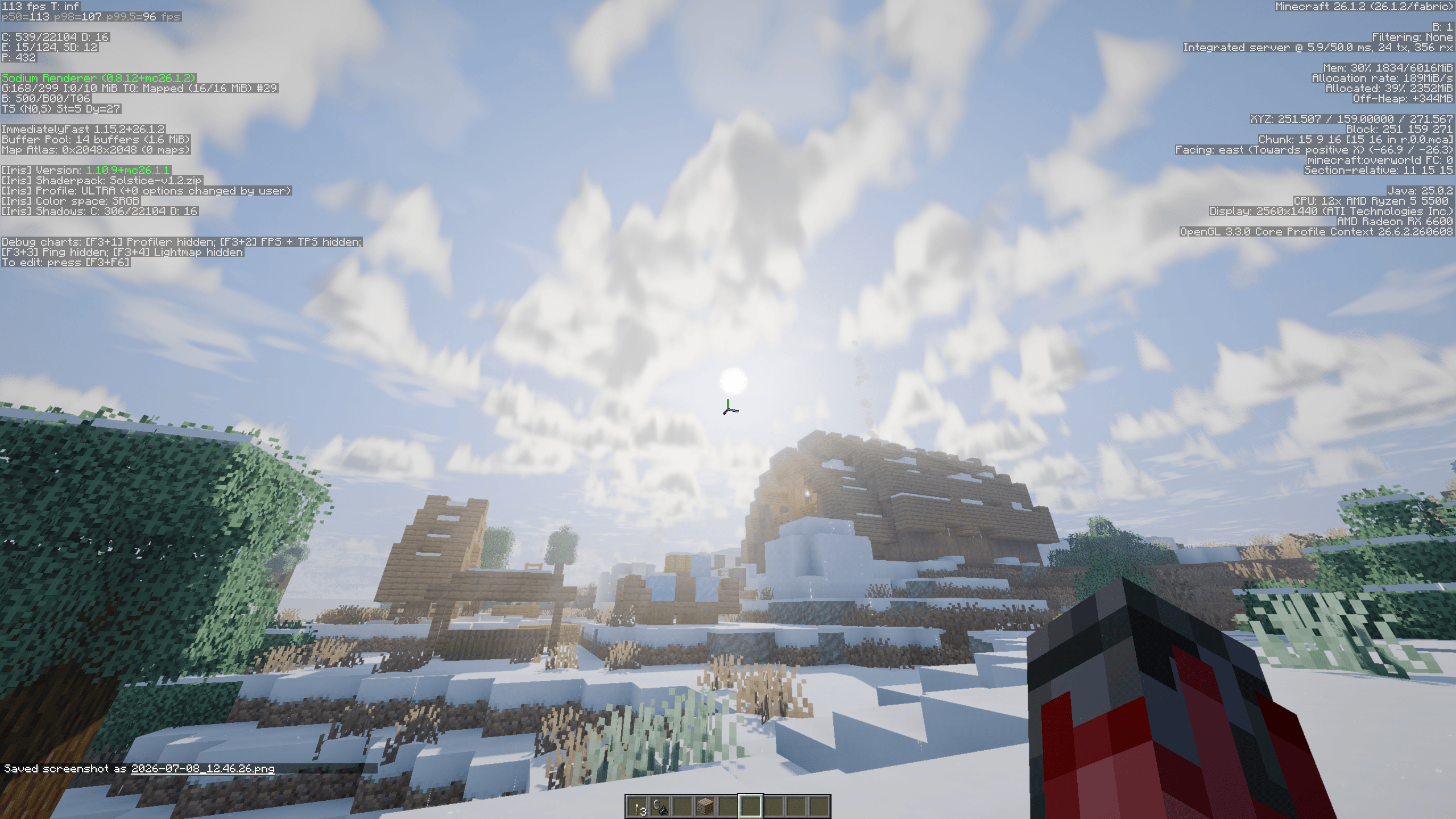
Captured with Ultra on Minecraft 26.1. Results depend on the GPU, resolution, world, mods, and render distance.
- Minecraft 26.2 on Fabric
- Iris 1.11.2 for the full feature set
- Distant Horizons 3.2.0 for LOD support
- OptiFine is not officially supported
- Bright or dark DH seam: disable DH LOD Fog and LOD Side Shading.
- Underground LOD terrain is visible: enable Cave Culling and set Overdraw Prevention
to
100%. - Materials look unchanged: use a LabPBR 1.3 pack and select it as the Material Source.
- Shader compilation fails: send the full Iris error together with the Minecraft, Iris, DH, GPU, and driver versions.
See CHANGELOG.md for the full version history.
d0mkaaa (Domantas)