- GitHub Extension for Visual Studio version: 2.4.3 (dev) - Visual Studio version: 2017 1. Clicked on the `Get Started` button from the `GitHub` pane: 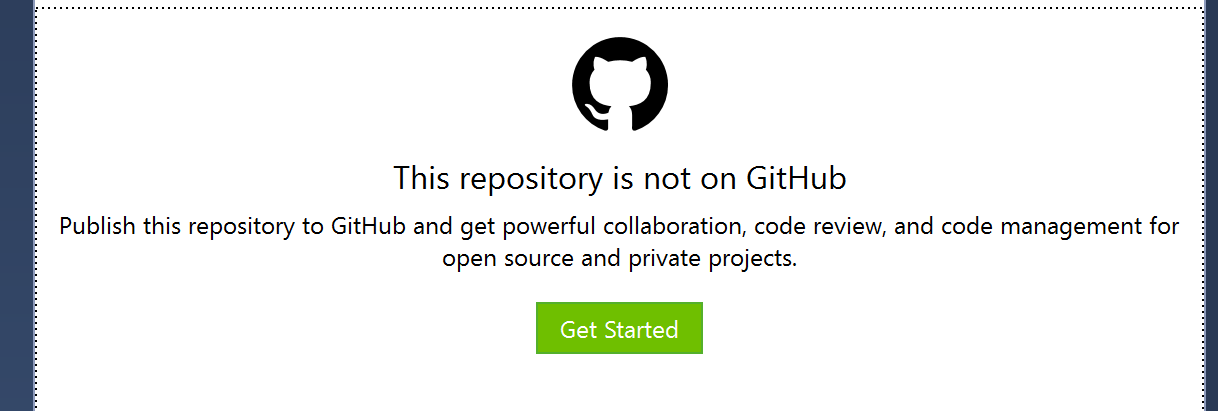 2. Created a name and description for my repository and published. 3. It changed to `Team Explorer - Home` which appears correctly. 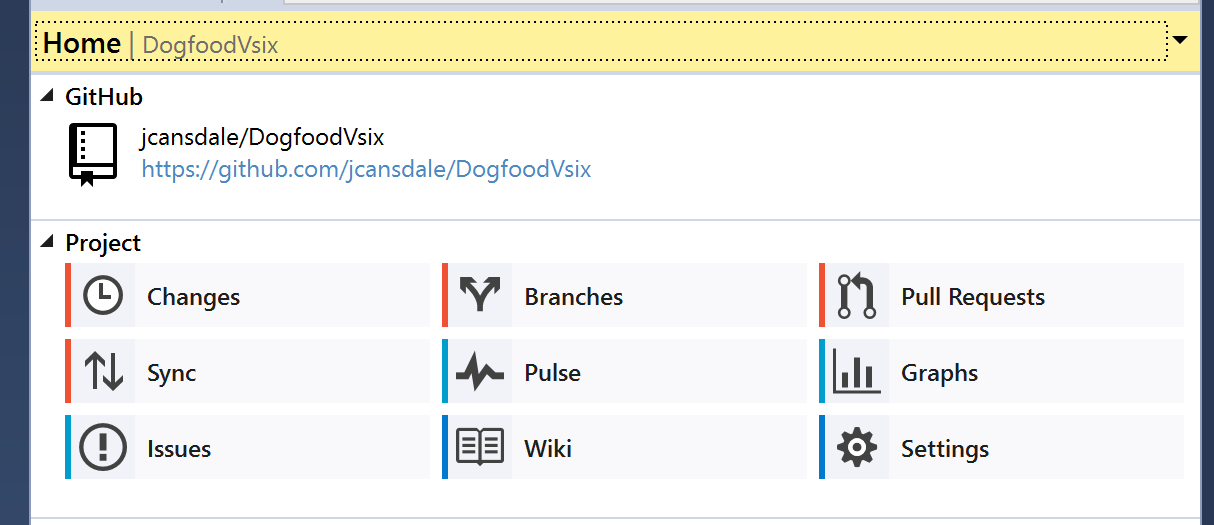 4. Click on `Pull Requests` button. 5. The `GitHub` pane still says: "This repository is not on GitHub". There is no option to refresh, so I reloaded Visual Studio. The `GitHub` pane appears correctly with an empty Pull Request list. It would be nice if we could show them a welcome/getting started page.

Get Startedbutton from theGitHubpane:Team Explorer - Homewhich appears correctly.Pull Requestsbutton.GitHubpane still says: "This repository is not on GitHub".There is no option to refresh, so I reloaded Visual Studio. The
GitHubpane appears correctly with an empty Pull Request list.It would be nice if we could show them a welcome/getting started page.