## Version - GitHub Extension for Visual Studio version: All - Visual Studio version: All ## What happened **Steps to Reproduce** 1. Install GitHub for Visual Studio from Marketplace 2. Open GitHub for Visual Studio solution 3. Press F5 to install and launch extension 4. Select `View > Other Windows > GitHub` **Expected behavior:** New build of the extension is loaded and the `GitHub` pane is functional. **Actual behavior:** A mixture of the normal version and new build is loaded and the `GitHub` pane shows an exception. **Screenshot or GIF:** 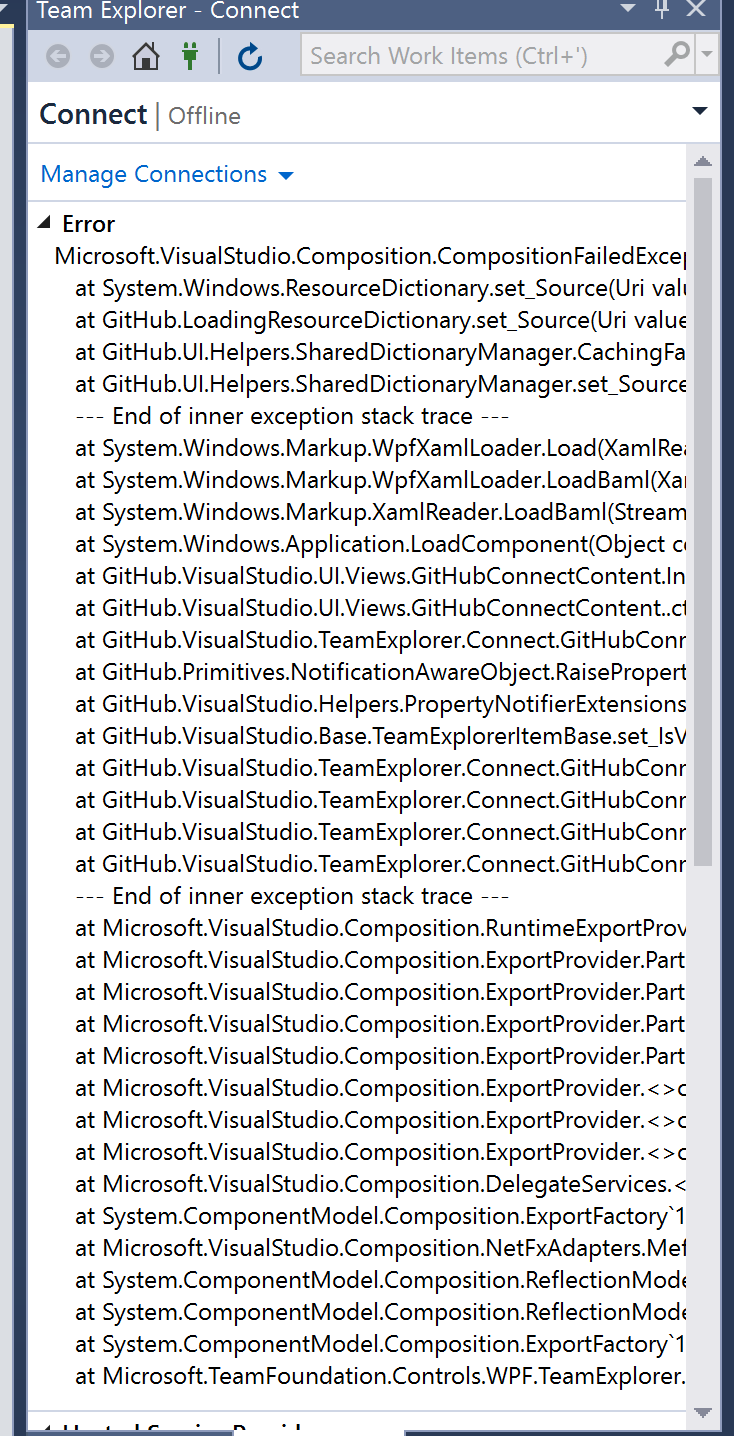 **Reported by** This was reported by @donokuda, but @StanleyGoldman and @grokys have also experienced this in the past.

Version
What happened
Steps to Reproduce
View > Other Windows > GitHubExpected behavior:
New build of the extension is loaded and the
GitHubpane is functional.Actual behavior:
A mixture of the normal version and new build is loaded and the
GitHubpane shows an exception.Screenshot or GIF:
Reported by
This was reported by @donokuda, but @StanleyGoldman and @grokys have also experienced this in the past.